
Install Wordpress With Docker

Here are the steps to install WordPress under Docker, including setting up a directory for file backups and adding an uploads.ini file to customize PHP settings. Step 1: Create a Directory for Your Project Open a terminal and create a directory for your WordPress project: mkdir wordpress-docker cd wordpress-docker Step 2: Create a docker-compose.yml file Create a docker-compose.yml file in the wordpress-docker directory with the following content: version: '3.8' # Specifies the Docker Compose file format version services: wordpress: image: wordpress:latest container_name: wordpress ports: - "8000:80" volumes: - ....

March 17, 2025 · 2 min · subzero

Install Cloudflare Zero Trust With Docker

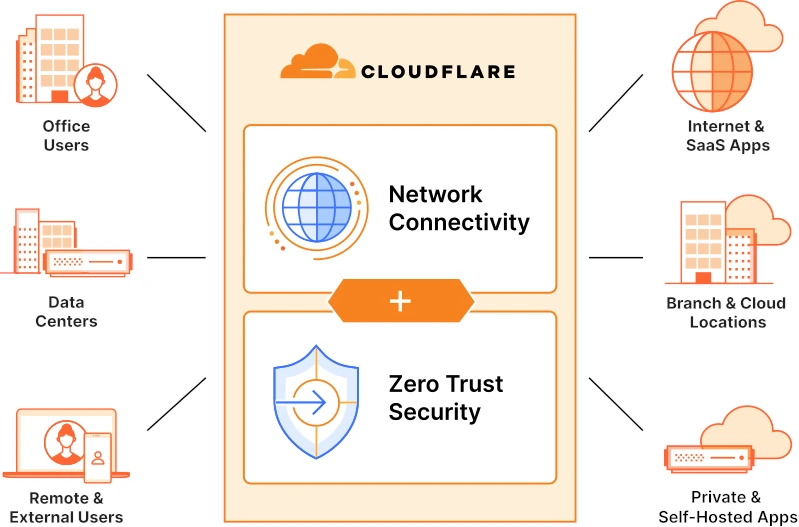
Introduction: Cloudflare Zero Trust Tunnel is a secure solution that enables you to connect your private infrastructure to Cloudflare’s network without exposing it to the public internet. This manual will guide you through the installation process of Cloudflare Zero Trust Tunnel using Docker with host network mode and a Cloudflare Token for authentication. Step 1: Log in to Cloudflare and Create a Tunnel Configuration Open a web browser and navigate to the Cloudflare website....

May 23, 2023 · 2 min · subzero

Install Jellyfin With Docker Compose

To install Jellyfin using Docker Compose, you will need to have Docker and Docker Compose installed on your system. If you don’t already have these tools installed, you can follow the instructions provided by Docker to install them on your system. Once you have Docker and Docker Compose installed, you can use the following steps to install Jellyfin using Docker Compose: Create a new directory for your Jellyfin installation, and navigate to that directory in your terminal....

December 16, 2022 · 2 min · subzero